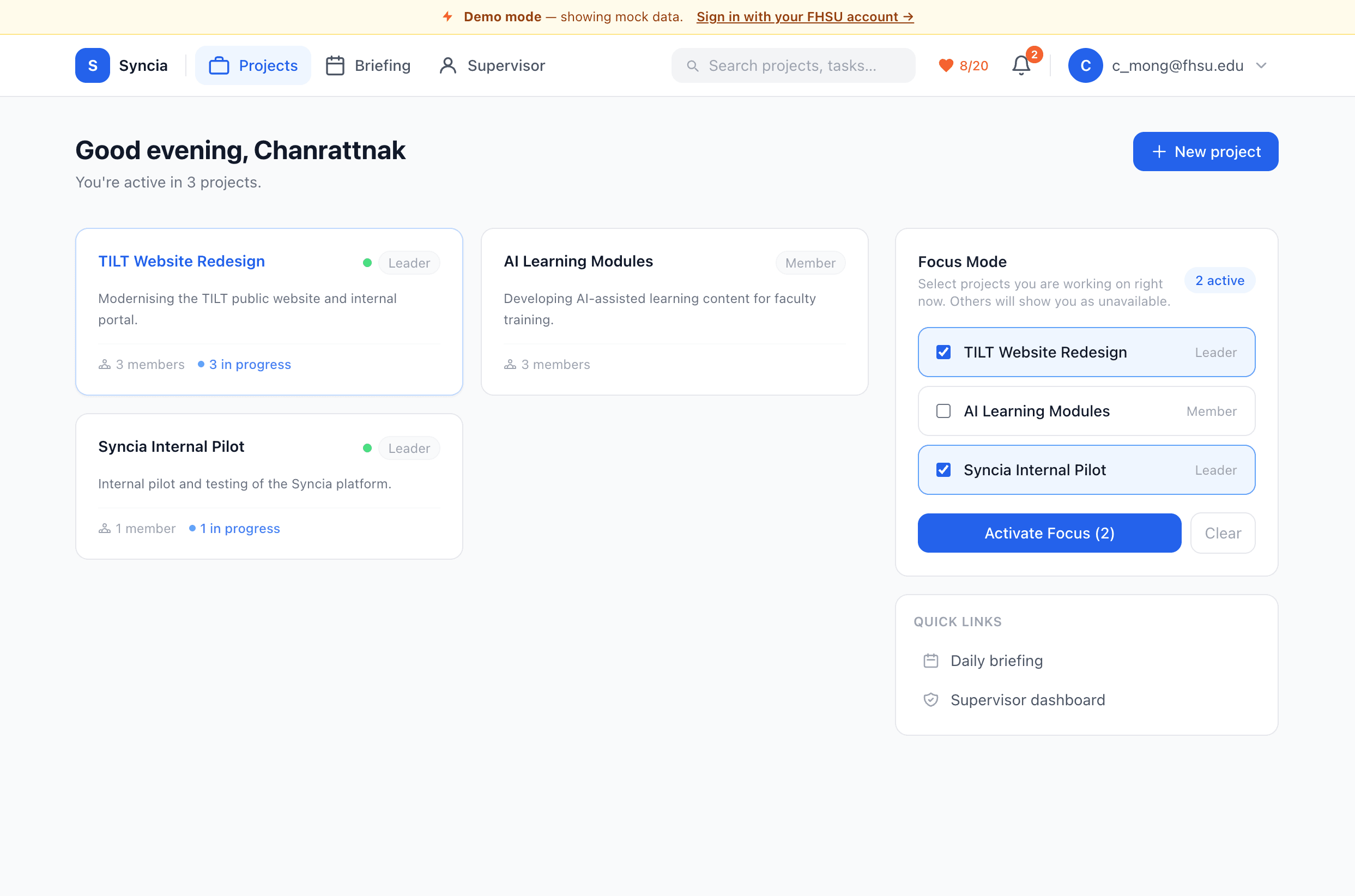
A project coordination platform for FHSU student teams built with Next.js 15, Supabase, and Microsoft Graph. Features Azure AD SSO restricted to @fhsu.edu accounts, project workspaces with role management, a milestone-to-task-to-subtask hierarchy, progress logs, focus mode for live team availability, and Outlook Calendar integration.
Overview
Syncia is a project coordination platform built for FHSU student teams, combining structured task tracking with deep Microsoft 365 integration so teams can plan, communicate, and meet without leaving one tool.
The Problem
Student project teams typically juggle a scattered mix of tools: a group chat for communication, a shared doc for task tracking, email for scheduling, and no single place to see who's actually working on what right now. Supervisors have even less visibility, usually relying on students to self-report progress in ad hoc updates. Nothing connects task status to calendars, meetings, or team communication.
The Solution
Syncia gives each team a shared workspace that ties tasks, availability, meetings, and communication together, restricted to verified FHSU accounts.
- Azure AD SSO restricts sign-in to
@fhsu.eduaccounts, so every workspace member is a verified student or supervisor. - Milestone → Task → Subtask Hierarchy gives teams structured work tracking with assignees, due dates, priorities, and automatic completion rollup up the hierarchy.
- Focus Mode & Progress Logs let members mark which project they're actively working on and post freeform status updates, giving teammates and supervisors live visibility without a status meeting.
- Microsoft Graph Integration auto-creates a private Teams channel per project, surfaces each member's Outlook calendar to find mutual meeting availability, and lets teams book meetings directly from the app.
- AI Assistant is a project-aware chat powered by Claude that can answer questions about a project's milestones, tasks, and progress logs, with a daily query limit per user.
- Supervisor Dashboard & Daily Briefing give supervisors an opt-in view into student progress logs, while every user gets a personal daily briefing of tasks due, project health, and today's calendar.
My Contributions
I designed and built Syncia end to end as a solo project: the Supabase schema for projects, membership, milestones, tasks, and progress logs; Azure AD SSO restricted to FHSU accounts; the Microsoft Graph integration for Teams channel creation, calendar reads, and meeting scheduling; the notification system with a daily cron job; the Claude-powered project-aware AI assistant; and the supervisor dashboard and daily briefing views.